Audit Centre
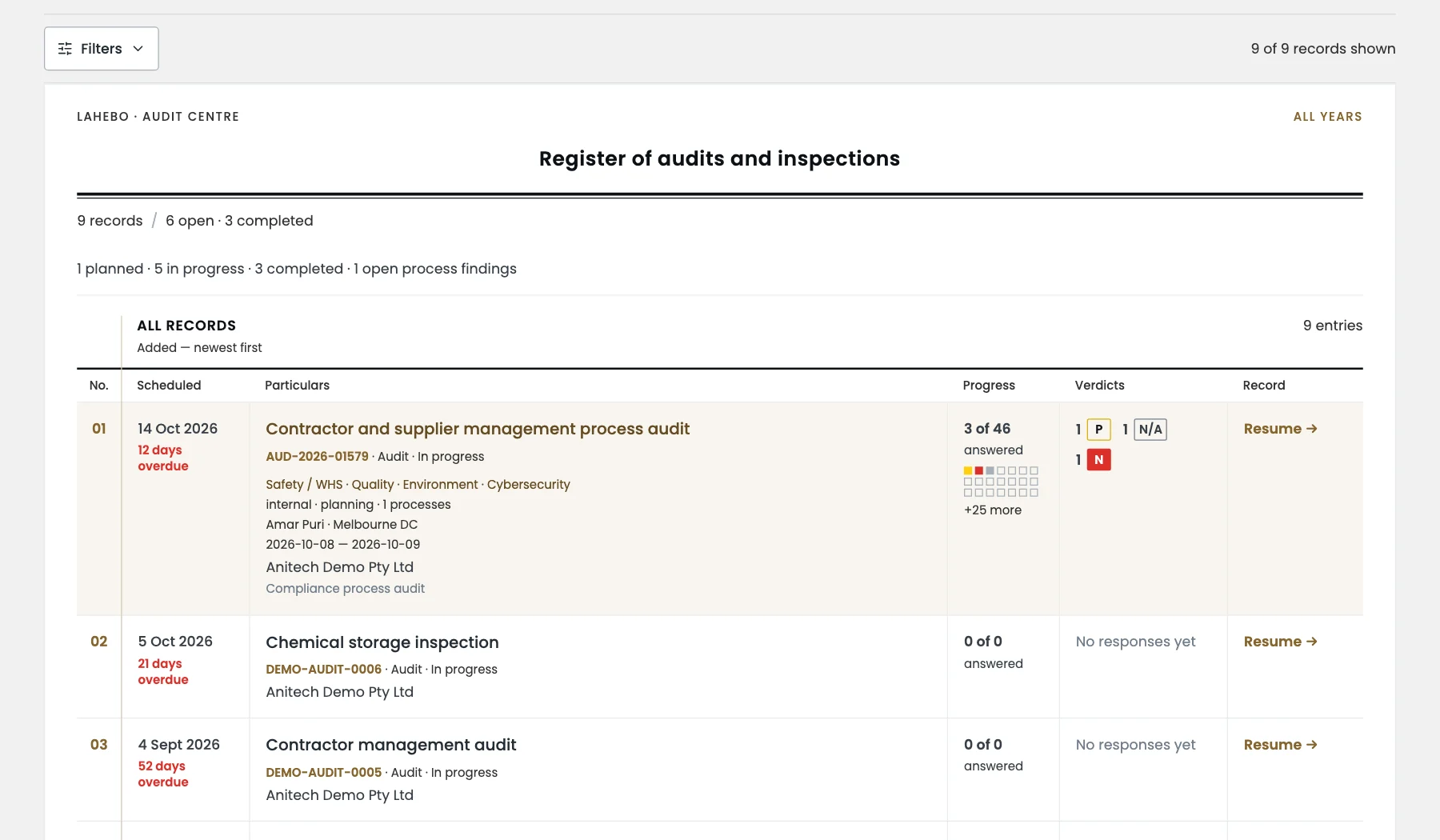
Plan, carry out and close audits and inspections in one place
Audit Centre is where your internal audits and workplace inspections live: the programme for the year, the fieldwork in progress and the completed records. Every audit starts from a template, every answer carries its evidence, every finding can become an action that is tracked to closure, and the report binds the moment the audit completes. Some of the key features are:
Start from a template and open the working paper
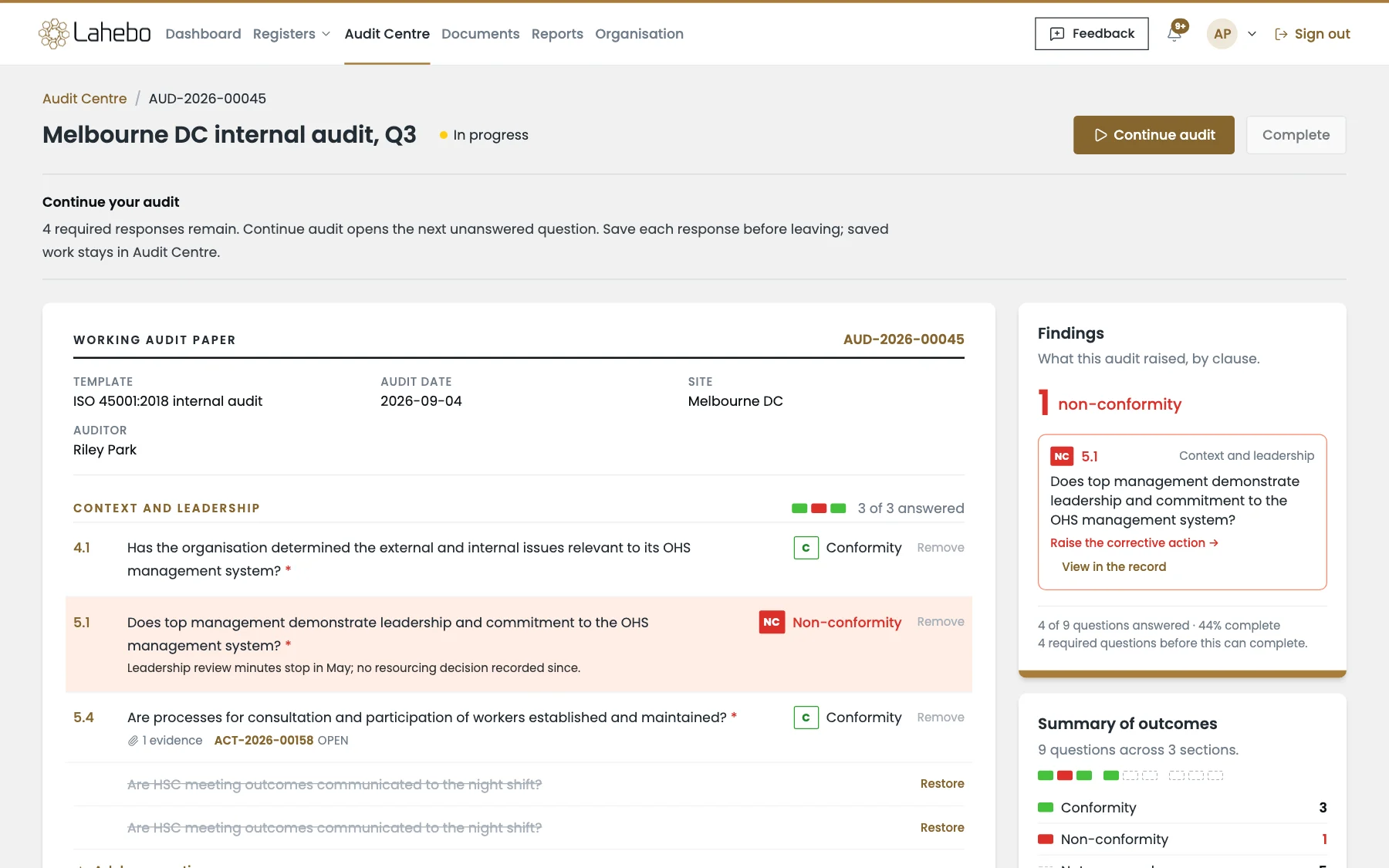
Build reusable question sets in the Audit Template Library, or make your own copy of a global template published by Lahebo, such as an ISO 45001 internal audit or a psychosocial hazards inspection. Schedule the audit for a date, a site and an auditor, and the working paper opens with the template, the sections and the questions, showing what is answered, what remains and what the audit has raised so far. On site, the same audit opens in the Lahebo field app on a phone or tablet, and saved answers sync back.
Answer every question with a verdict and the evidence behind it
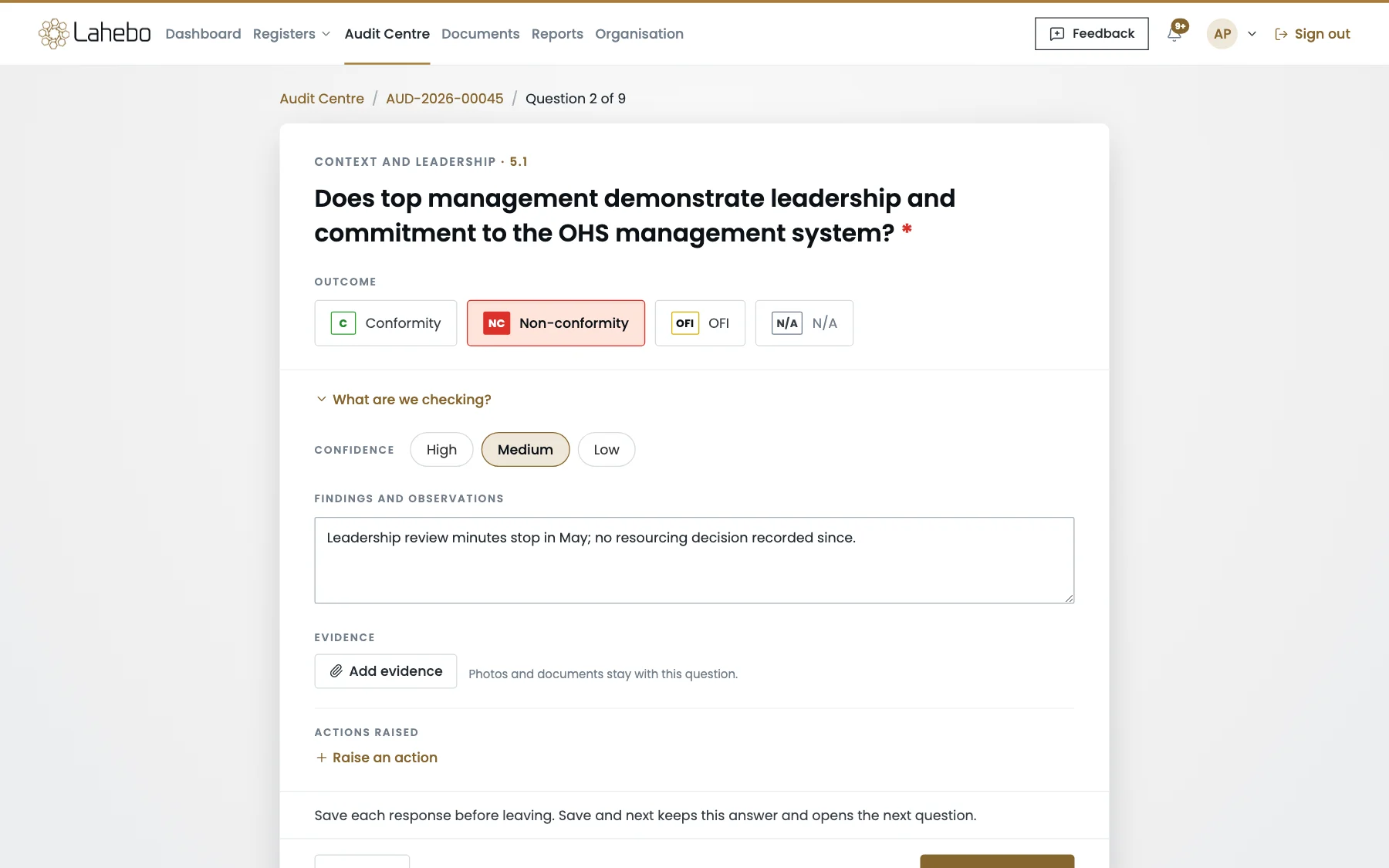
Each question is answered as a conformity, a non-conformity, an opportunity for improvement or not applicable, with the auditor's confidence, the findings and observations, and photos or documents that stay with that question. Questions can be added on the spot, and each response is saved as you go, so an audit can be picked up where it was left.
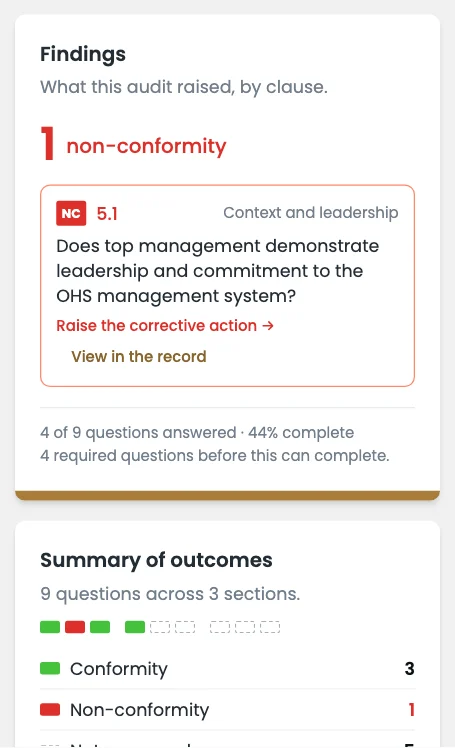
Findings become actions, and the report binds when the audit completes
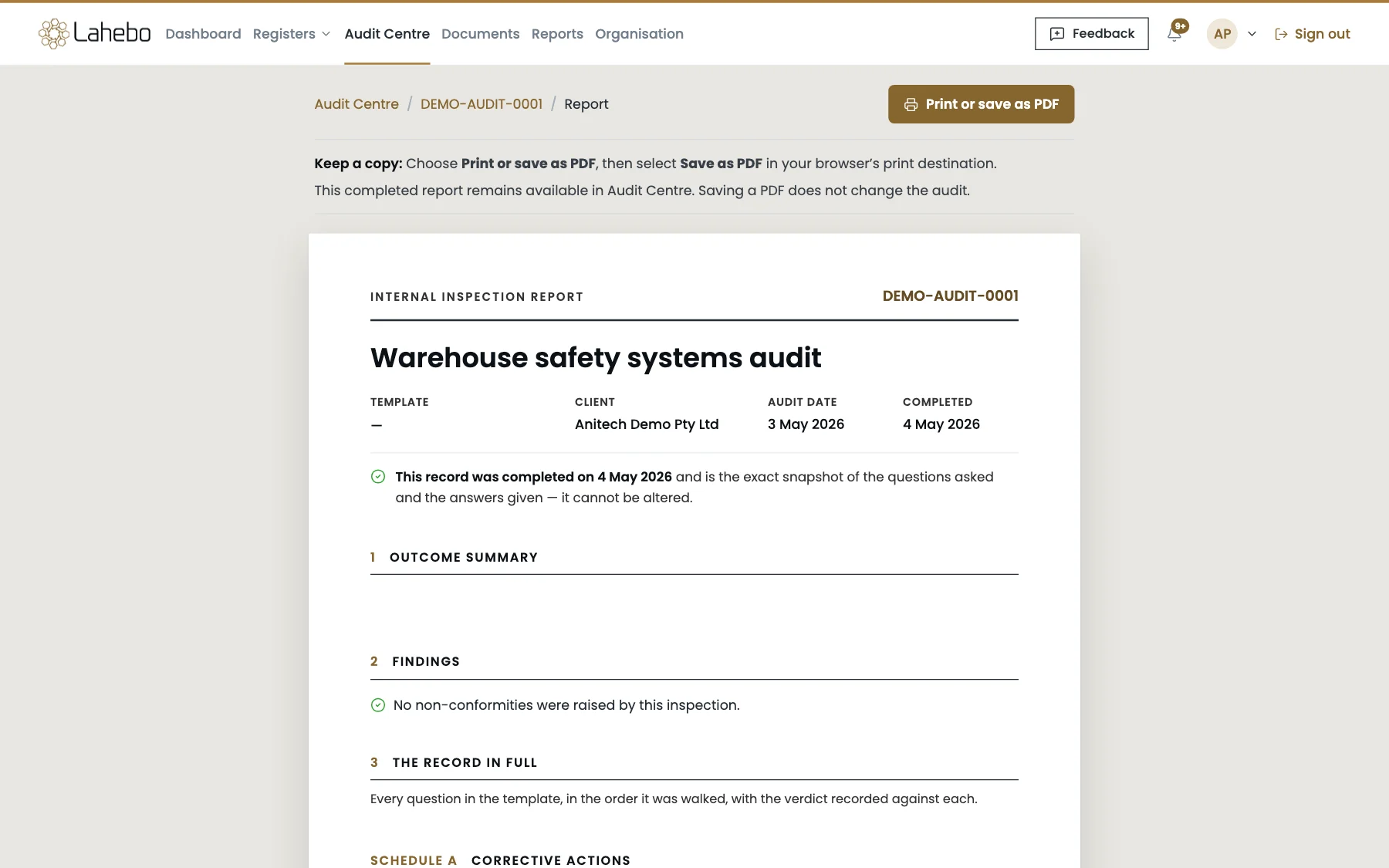
A non-conformity can be raised as a corrective action in the Action Centre with an owner and a due date, and it stays linked to the question that raised it. When the audit is completed, its report is the exact record of the questions asked and the answers given: it cannot be altered, it can be printed or saved as a PDF, and it stays in Audit Centre for the next audit to build on.
Features
A central GRC platform to create, edit and monitor Risks and Actions
Legislation Library
Option to build legal register from our list of libraries and get AI powered notification when there are new updates to the legislations.
Risk Management
Risk Identification and assessment with connecting mitigation to be tracked to completion and assess risk statuses.
Incident Management
Efficiently raise, investigate, manage issues/incidents, and mitigation actions through the issue module and enhance compliance.
Action Center
Multiple features for precise action management with workflow approval process and timely notifications.
Reporting
Dynamic reports with fixed and custom filters with various other loaded features.
Audit Centre
Audits and inspections from templates, with evidence against every question, findings raised as actions and a report that cannot be altered.
Document Library
Controlled documents with review cycles, folders by site and attachment to the risks, issues, actions and legal items they support.
Mobile App
Audits, inspections and incident capture on a phone, installed from the browser, working without a network and syncing when it returns.